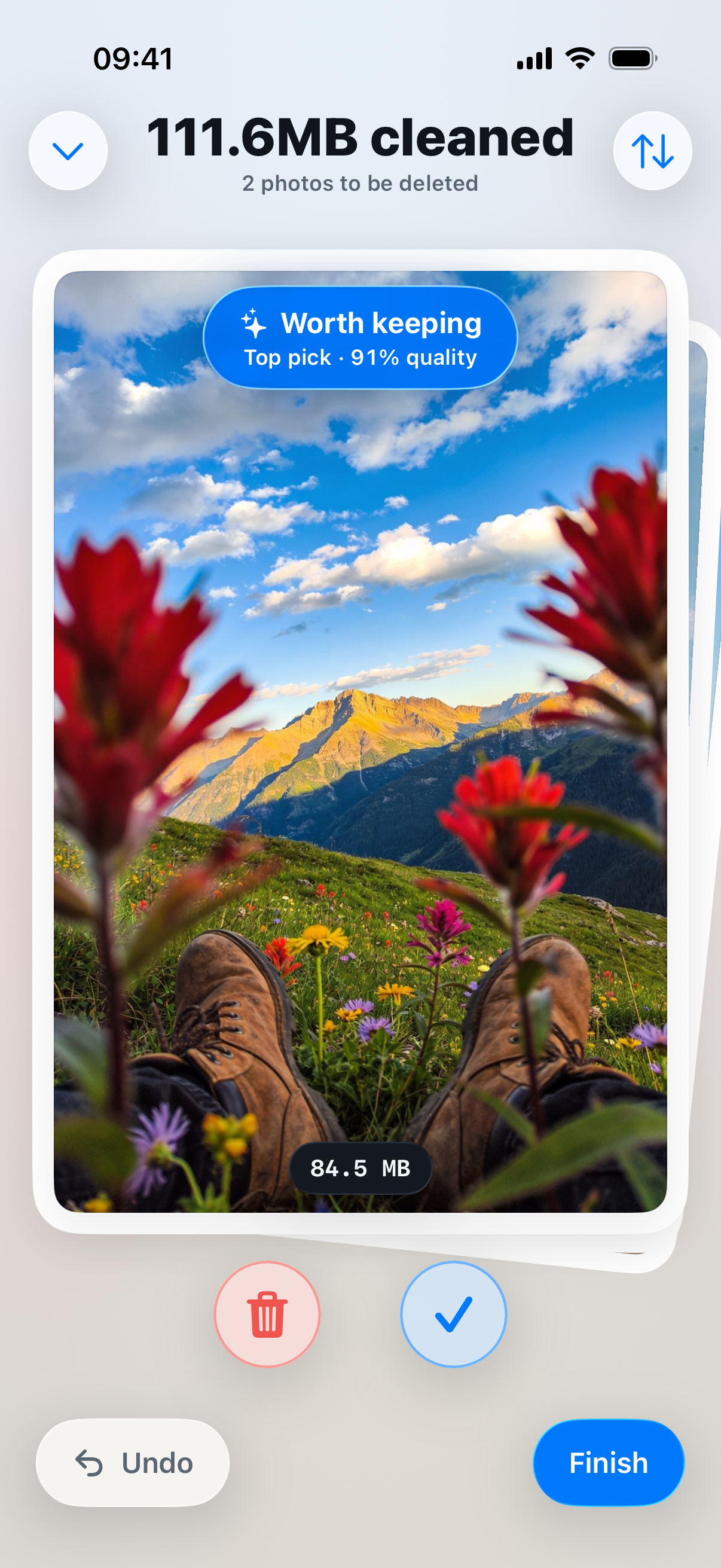
Swipe
Swipe left to delete, right to keep. One photo at a time, and a counter shows the size adding up.
Duplicates
Keepsweep groups near-identical shots and marks the sharpest one. Change the pick before you confirm.
Screenshots
Every screenshot in one place. Receipts, memes and wifi passwords, cleared in a single pass.
Large videos
Videos get their own tab. Choose a quality, see the size before and after, then replace the original.
Private
Keepsweep doesn’t upload your photos. Everything happens on your iPhone, with no account to make.
Recently Deleted
iOS asks before anything is deleted. Keepsweep then opens Recently Deleted, so the space comes back.